1
Add your engineering sources
Add everything that defines how your company engineers: parametric CAD libraries, docs, standards, specs, design history, spreadsheets, and internal knowledge.
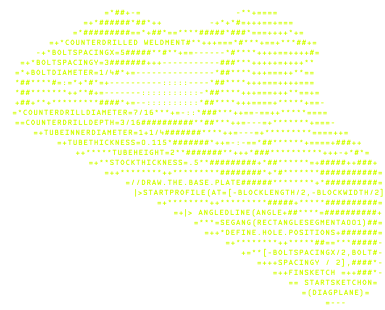
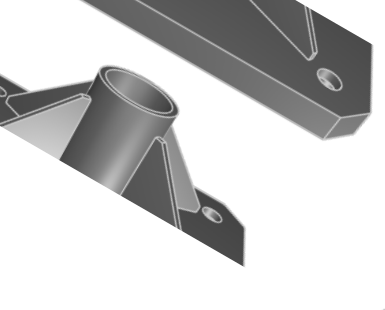
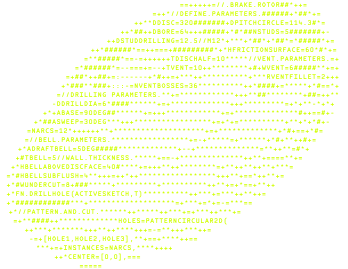
Turn your company's engineering knowledge into something Zookeeper can use.
Zoo can index CAD files, documentation, specifications, and historical design context, then use that knowledge to generate parts, assemblies, and workflows that reflect how your company actually designs.
Turn Zookeeper into your company's engineering intelligence. It learns your standards, design history, CAD patterns, and hard-won preferences so every answer and generated model follows your way of building.
Add everything that defines how your company engineers: parametric CAD libraries, docs, standards, specs, design history, spreadsheets, and internal knowledge.
Zookeeper uses years of company knowledge—standards, workflows, prior projects, CAD history, and engineering decisions—so it answers and generates geometry the way your company actually works.
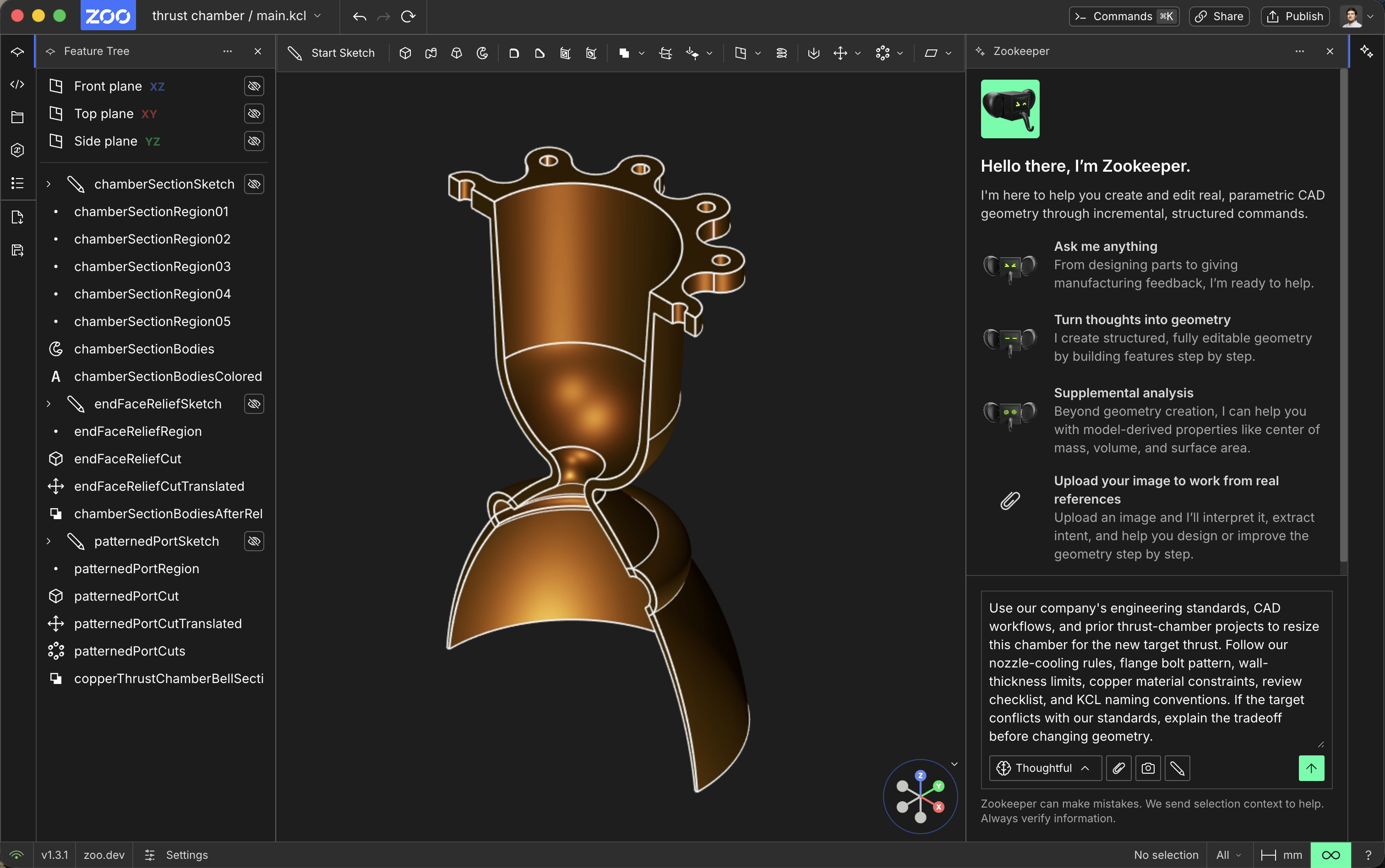
Company knowledge becomes the next prompt
Do research, plan designs, and more. All while maintaining the geometric context of your CAD files from within Zoo Design Studio.
Do research, plan designs, and more. All while maintaining the geometric context of your CAD files from within Zoo Design Studio.
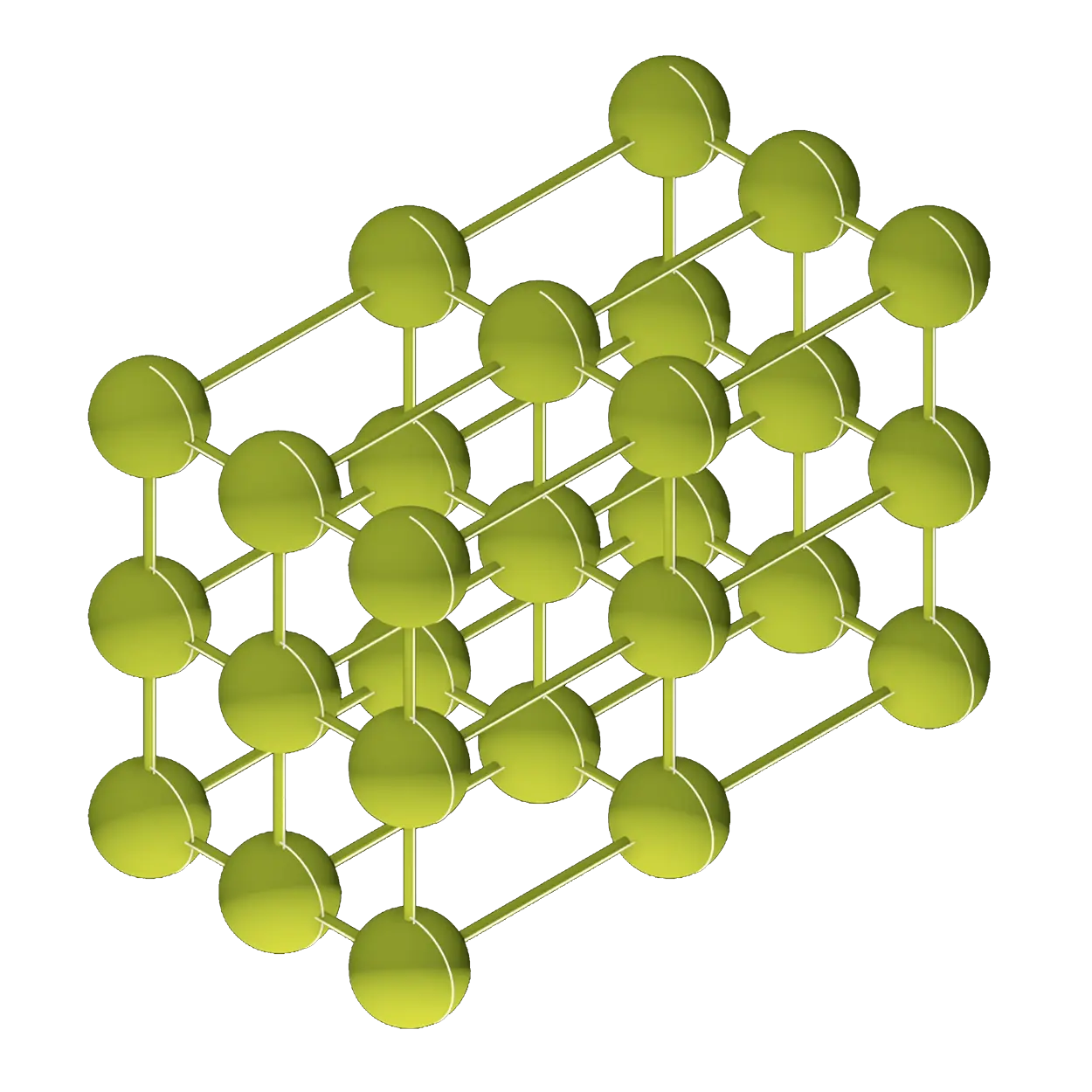
Zookeeper in Zoo Design Studio allows querying by simply describing the geometric characteristics of a part—not just typing keywords or part numbers and getting lost in your PLM.
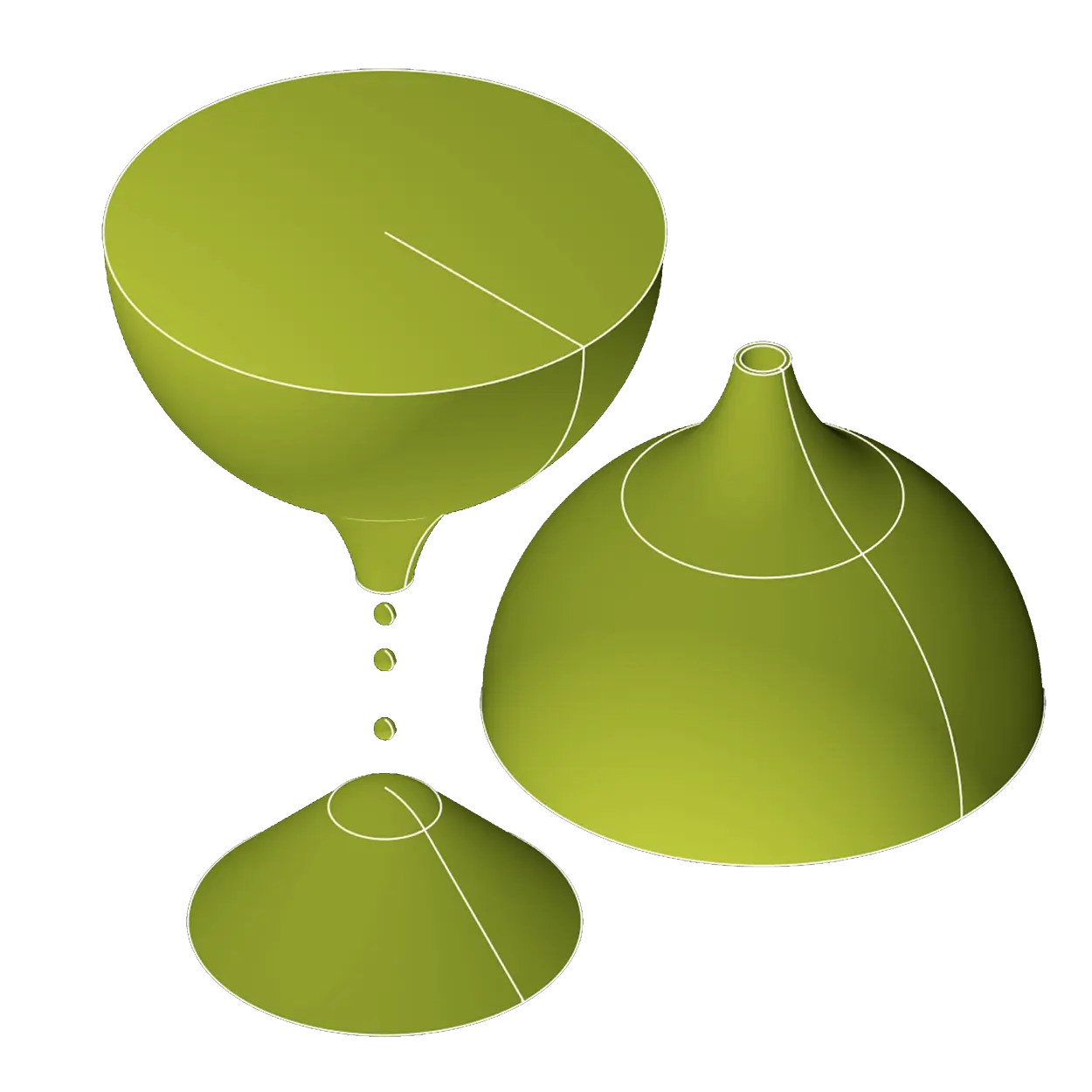
Zoo converts your existing, proprietary CAD files into our format, KCL, with support for popular CAD platforms like SolidWorks, CATIA, Creo, NX, and more.

Question not here? Visit our Community Forum.
Zoo's US Regulated region is suitable for processing or storing export restricted (ITAR) information, operated out of US-based cloud providers that meet or exceed ITAR baselines.
Independent auditors verified Zoo's security controls through our SOC 2 Type II audit. Because transparency matters, the full report is open to everyone at trust.zoo.dev - no forms, no friction.